










































.webp)















.webp)

























Getting Started
Thank you for volunteering with Green Outreach. Your time, energy, and commitment make a real difference in protecting our planet and supporting our community. We are very happy that you are here and hope you gain valuable skills, practical knowledge, and a sense of accomplishment as you complete your volunteer service.
Volunteer Dashboard
When you log in, your Volunteer Dashboard is your home base. From here you can see different topics. Under each topic, you will find both courses and projects. You can start anywhere that interests you as there is no required order. Each course gives you knowledge and training, and every project lets you put that knowledge into action. You will receive credit if you complete the requirements, usually by completing a quiz or a project submission form.
Courses
Courses are designed to teach you about key environmental issues and solutions. Each course includes a set of lessons and ends with a short quiz. To complete a course, read or watch the lessons carefully, then finish the quiz.
The quiz will open in a pop-up window, so make sure your browser allows pop-ups. Once you submit your quiz, your volunteer hours for that course will automatically be added to your dashboard. If you do not see your hours right away, give the system time to update before submitting a ticket.
Remember, if you pass a course, you may not repeat it for credit. If you are unsure whether you have already completed a course, check your dashboard.
Projects
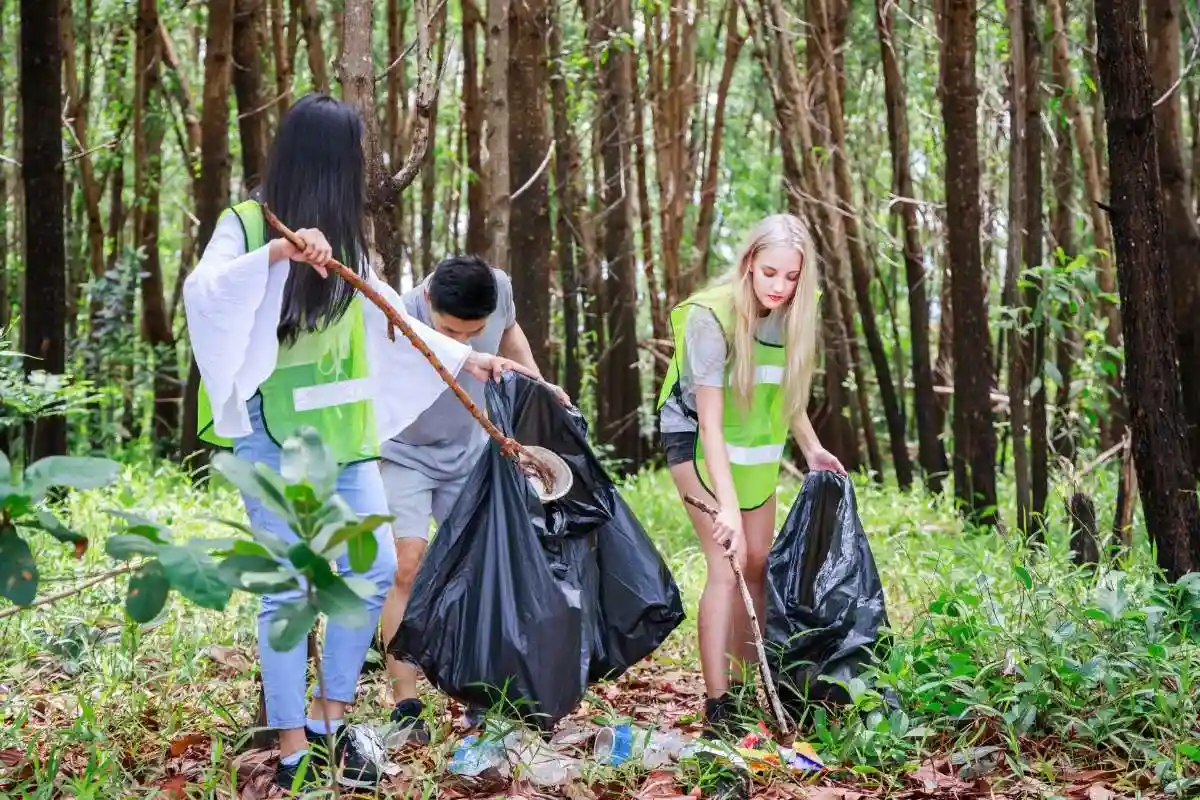
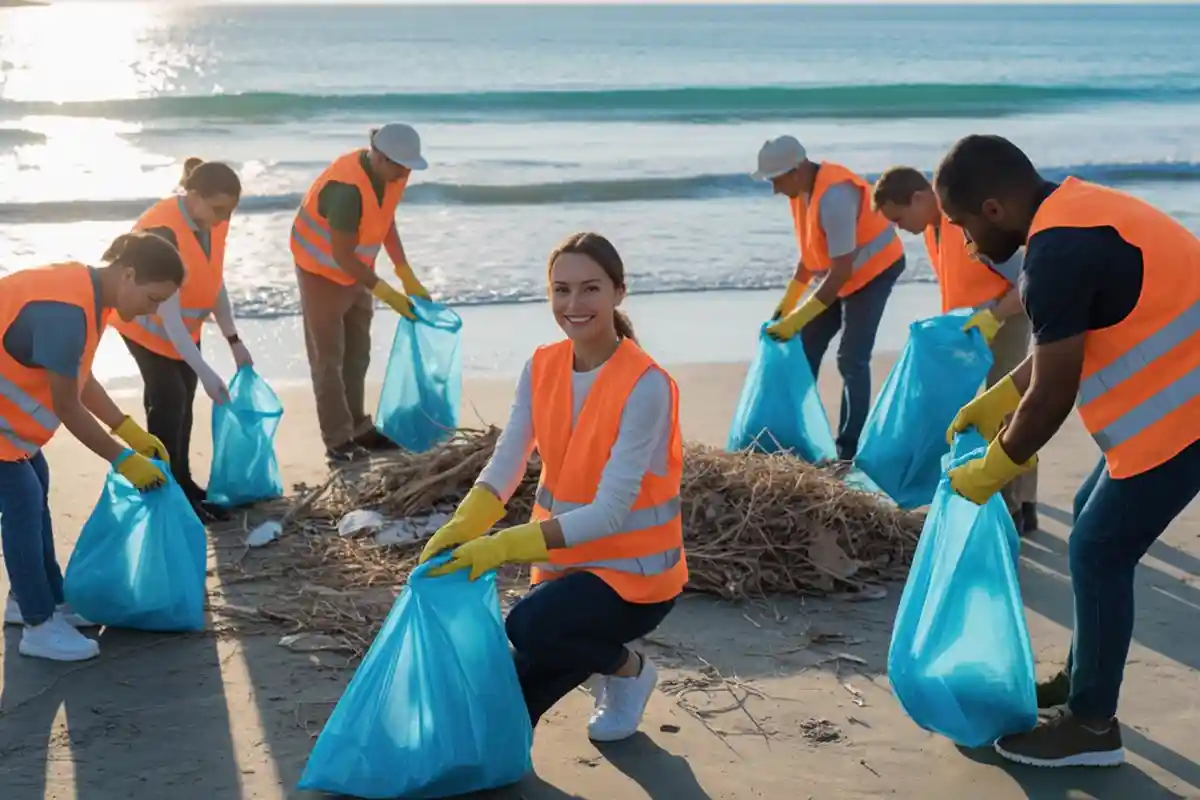
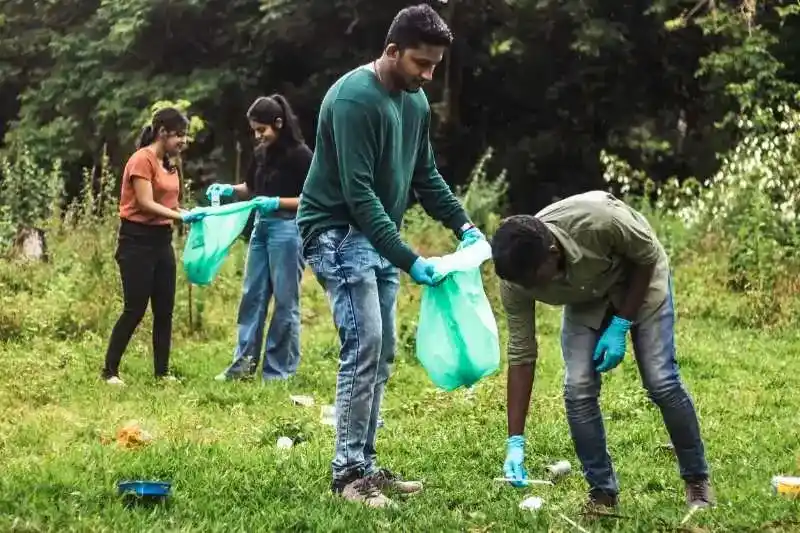
Projects allow you to take action and apply what you have learned. These might include writing assignments, social media content, or cleanup events. Each project page has a submission form that will appear as a pop-up, so make sure your browser allows pop-up windows. If you complete a project but do not see the form, double-check that pop-ups are not being blocked by your browser. Once you submit the form, your hours will be credited to your dashboard. You may complete a project multiple times, but each project submission must be unique.
When completing a project, we only require that you put effort into the project and do your best. You will see proof of the hours once the project is completed, but we reserve the right to reject any project that was not completed correctly or was submitted without work being done. If we determine that the project was not actually completed or you have submitted the same work, we will reject the submission and you will not receive credit. Any hours previously credited for that project will be removed.
Tracking Your Progress
Your dashboard keeps track of everything you have completed. You can always return to it to see your completed courses, submitted projects, and the total number of hours you have earned. This is the easiest way to know what you have already completed and what is still available.
It is important to note that your volunteer hours are tied directly to your account. Do not continue to complete courses and projects if you do not see updates in your portal. If for some reason your portal is not updating, submit a ticket immediately so we can determine the issue.
Updating Information
From your dashboard, you can update both your personal information and your court or agency information. To make changes, click the My Info button. You can review what we have on file and update any details as needed. When you submit updates, be sure all information is complete, since your record will be updated based on what you provide to us.
Obtain Proof of Your Community Service Hours
On your dashboard, you can receive a progress report at any time once you have completed at least one activity. Please be mindful that there are limits to the requests for progress reports the system can handle. Please only request a progress report when you need to provide it to a third party.
To obtain a progress report, simply click on the Obtain Proof button. After you submit the request form, you should receive an email shortly. Once your proof is available, you can also download it from your dashboard. If you need an updated progress report, submit a new request. If you previously requested one, the old letter may still be in your dashboard until the system updates, so you may need to give it some time before downloading.
If you complete your hours, you will automatically be sent proof of completion by email, and it will also be available to download on your dashboard. Once you complete your hours, you will not be able to receive any more progress reports.
Although it is estimated that you should receive your letters within 15-30 minutes, please be patient. If you do not see it within 24 hours, please submit a ticket.
Verification of Hours
We will not automatically send hours to the court or agency on your behalf. It is your responsibility to provide the third party with the proper documentation so you can receive credit for your community service.
Agencies and courts may contact us to verify your hours. If so, we will give the agency or court proof by supplying them with the same letter we provided you. We will also verify by phone if the court or agency request verbal confirmation.
We will not verify hours that is not covered in your plan, even if you have completed additional hours. If you need to upgrade your plan to obtain the proper verification, please submit a ticket and we will help you with the upgrade process.
Volunteer Agreement and Code of Conduct
You can review the Volunteer Agreement and Volunteer Code of Conduct at any time. These documents outline our expectations, policies, and guidelines to help you have a positive and successful experience with Green Outreach. These documents are available for your reference if you ever need to review them.
Troubleshooting Common Issues
If you do not see a quiz or submission form when you click the button, check your browser settings to ensure that pop-ups are enabled. Without popups , the forms will not open and you will not be able to complete the courses or projects.
If you finished a course or project but do not see your hours in your dashboard, give it some time for the system to update. Only submit a support ticket if your hours are still missing after 24 hours or if you are experiencing a technical issue such as being unable to log in. If you are having other issues, please submit a ticket and we will look into the issue right away, but it can take up to 24 hours for you to receive a response.


Social Media Projects